
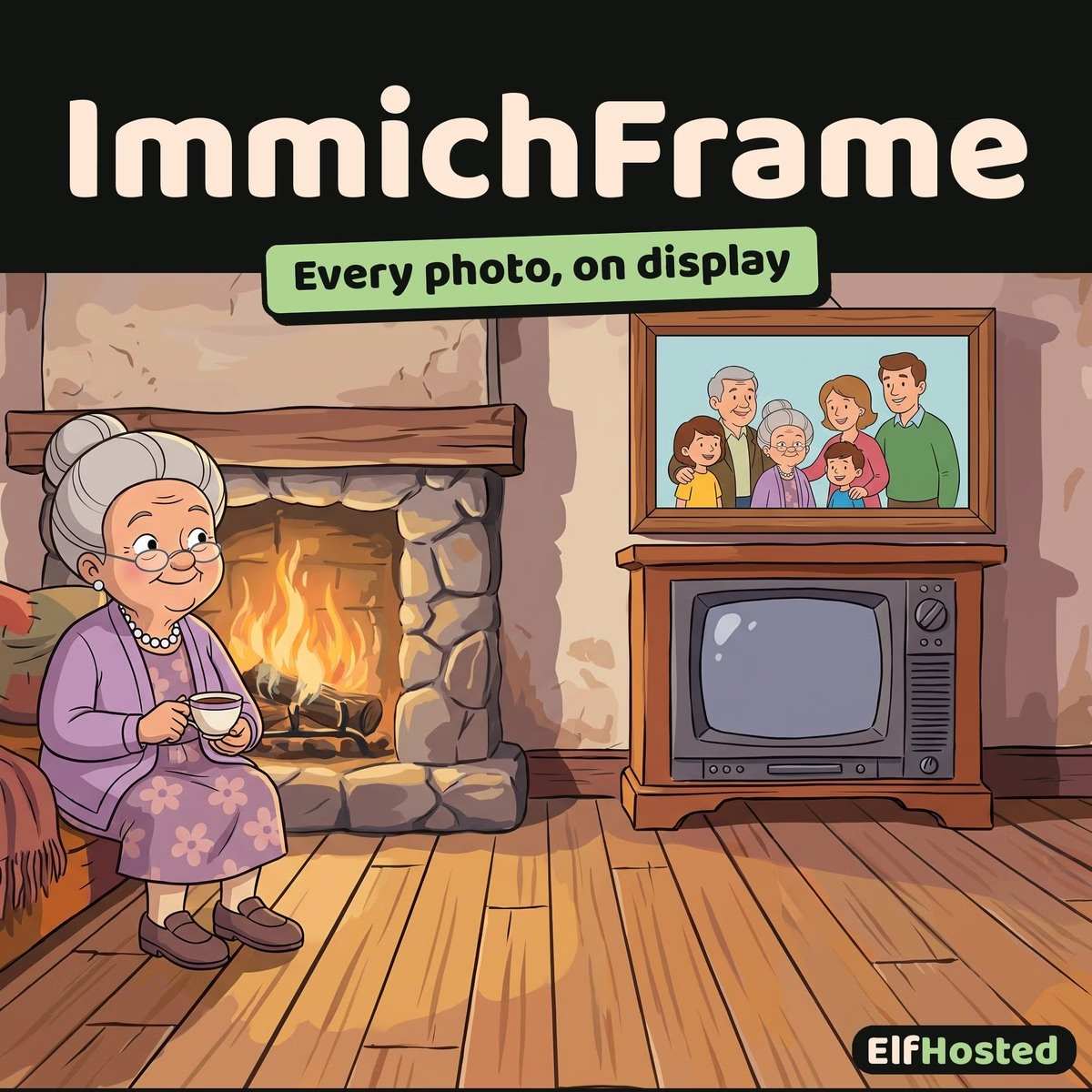


ImmichFrame
$9.00 / month
Free trial: 7 days
Sign-up fee: $1.00
Turn any TV, tablet, Raspberry Pi, or e-ink display into a digital photo frame pulling from your Immich library — with overlays, multi-account, and HTTP remote control.
A managed instance of ImmichFrame on ElfHosted — the companion app that turns idle screens into a slideshow window onto your Immich library. Browser-based, Android TV, Apple TV, Raspberry Pi, e-ink — anything that can render a web page or run the native client. Optional overlays (clock, weather, photo location), multi-account support, and an HTTP control API for skip / pause / brightness from your phone or smart-home routine.
Idle screens are everywhere — TV when no one's watching, kitchen tablet between recipes, the old iPad in a drawer. ImmichFrame turns them into living slideshows from your Immich library.
What is ImmichFrame?
ImmichFrame is a digital photo frame application that connects to an Immich server and displays your photo and video library as a slideshow on any device that can render a web page. The original use case is a Raspberry Pi running a small screen on the kitchen counter, but it works equally well on a TV via Android TV / Apple TV, on a tablet mounted in a hallway, or on an e-ink display for low-power always-on viewing.
The differentiator vs generic photo-frame apps: ImmichFrame is Immich-aware. It pulls from your real library (which already has every photo you take from your phone, thanks to Immich's auto-backup), respects your album structure, and surfaces metadata overlays (clock, weather for the photo location, when and where it was taken) that generic frames can't.
Features
- 📺 Runs on anything — modern browser, Android TV, Apple TV, Fire TV, Raspberry Pi (kiosk-mode browser), e-ink displays. Configure once via the web UI; deploy the URL on every screen you want.
- 📸 Pulls from Immich — connects via Personal Access Token; respects your albums, favourites, and date filters. Auto-refreshes as you add new photos to Immich.
- 👥 Multi-account blending — combine photos from your Immich account and partner / family accounts into a single slideshow, so everyone's memories get screen time.
- 🕐 Configurable overlays — show current clock, weather (for the location of the photo if EXIF GPS is present), and photo metadata (date, location) as transparent overlays on the slideshow.
- 🎬 Pan animations & split-view — Ken Burns-style pan-and-zoom on stills; split-view layout for portrait photos so you don't get black bars on a landscape TV.
- 🎥 Experimental video playback — phone-shot videos play inline; useful for the "scroll past kid's first steps" moment without manually opening the file.
- 🤖 HTTP control API — skip / previous / pause / brightness via simple HTTP calls. Integrate with Home Assistant, smart-speaker routines, a phone shortcut, or a physical button via ESP-Home.
- 🔓 FOSS & open-source — no vendor lock-in, no paid tier, no subscription beyond the ElfHosted hosting fee.
ImmichFrame vs Other Photo-Frame Options
- vs. Nixplay / Aura / Skylight (commercial frames) — those are physical products with cloud subscriptions, vendor accounts, and limited storage tiers. They lock you into the manufacturer's app to upload photos and the manufacturer's servers to host them. ImmichFrame is software you point at your own Immich library — no vendor account, no subscription per device.
- vs. Apple TV / Google TV native screensavers — the built-in screensavers pull from preset image collections or Apple Photos / Google Photos. They look polished but they don't show your photos unless you've also signed into the relevant cloud service. ImmichFrame works without an Apple or Google login.
- vs. running a manual MP4 slideshow on a Raspberry Pi — a fixed video file works for one collection. ImmichFrame stays in sync with your Immich library as you add photos, so the frame updates automatically.
- vs. a generic web-based slideshow tool — generic tools won't surface Immich's album structure, won't honour your "favourites" filter, and won't expose the HTTP control API. ImmichFrame is purpose-built for the Immich workflow.
Pair with Immich (the photo server itself, $18/month) — ImmichFrame is the display layer; Immich is the library it reads from. Both run on ElfHosted; both use the same SSO.
Why Run ImmichFrame on ElfHosted?
ImmichFrame is light enough to self-host on the same Pi that's driving the screen — but most users would rather have it run as a managed service on the same hosting tier as their Immich:
- Pre-configured to talk to your ElfHosted Immich instance — no Personal Access Token wrangling.
- HTTPS on your own ElfHosted subdomain — display devices can connect from anywhere without VPN or cert hassles.
- Updates handled — ImmichFrame ships features regularly (especially around the Immich API surface).
- Single subscription: $9/month — sized for the lighter resource footprint of a slideshow client.
Technical Specifications
- 🛠️ Software: ImmichFrame (FOSS)
- 📺 Display devices: any modern browser; Android TV / Apple TV / Fire TV via browser or native app; Raspberry Pi in kiosk-browser mode; e-ink displays via the lightweight rendering mode
- 🔗 Source: connects to an Immich server via Personal Access Token; multi-account blend supported
- 🕐 Overlays: clock (configurable formats), weather, photo metadata (date / location)
- 🎬 Display modes: single-photo with pan/zoom, split-view (portrait pairs on landscape display), random or chronological order
- 🤖 Control API: HTTP endpoints for next / previous / pause / brightness — integrates with Home Assistant, IFTTT-style routines, ESP-Home buttons
- 🔑 Subscription: $9/month — ImmichFrame itself is fully free; requires a separate Immich instance ($18/month if you don't already have one)
- 🌐 Access: HTTPS on your own ElfHosted subdomain
- 🔄 Updates: handled by ElfHosted
Frequently Asked Questions
How do I run ImmichFrame without self-hosting it?
Add it to your ElfHosted subscription — this product is a managed ImmichFrame instance pre-wired to talk to your ElfHosted Immich server. Open the frame URL on any display device; no setup wizard.
Do I need an Immich subscription too?
Yes — ImmichFrame is a viewer for an Immich library; the library has to live somewhere. Add Immich to your subscription if you don't already have it ($18/month). Both apps live on the same ElfHosted account; the integration is automatic.
What devices does ImmichFrame run on?
Anything with a modern browser. Most common deployments: Android TV / Apple TV / Fire TV with the browser, an old tablet wall-mounted, a Raspberry Pi in kiosk mode driving a 7" or 10" screen, or an e-ink display (Inkplate, Visionect, etc.) for always-on low-power viewing.
Can I show photos from multiple family members?
Yes — multi-account blending is supported. Configure additional Immich accounts in the ImmichFrame settings; their photos shuffle into the slideshow alongside yours. One frame can show the whole household's library.
How do I control playback from my phone or Home Assistant?
ImmichFrame exposes an HTTP control API (skip / previous / pause / brightness). Wire it up to Home Assistant, a phone shortcut, IFTTT, or a physical button via ESP-Home. Many users put a "next" tile on their smart-home dashboard.
Does ImmichFrame play videos?
Yes, as an experimental feature. Phone-shot videos play inline alongside stills. Stable enough for normal home use; flag any quirks against the upstream issue tracker.
Can ImmichFrame display photos from non-Immich sources?
No — it's purpose-built for Immich. If you have photos in a different system (Apple Photos, Google Photos, plain folder), import them into Immich first and ImmichFrame will pick them up automatically.
ImmichFrame is the digital-photo-frame layer for an Immich library — turns any TV, tablet, Pi, or e-ink display into a slideshow window with overlays, multi-account blend, and an HTTP control API. Hosted on ElfHosted alongside your Immich for $9/month, with HTTPS, automatic updates, and pre-wired integration.
| Proxy | StremThru, MediaFlow Proxy, Built-in |
|---|
Only logged in customers who have purchased this product may leave a review.
Related products

Immich
The self-hosted Google Photos replacement that finally got the iOS/Android auto-backup right — face recognition, object detection, shared albums, all running on your subdomain.
A managed instance of Immich on ElfHosted — the self-hosted photo and video management server that turned the "leave Google Photos" project from "theoretically possible" into "easy". Native mobile apps with auto-upload from camera roll, on-device + server-side ML for face / object / OCR search, shared albums, timeline view, map view, RAW support. AGPL-3.0, your library lives in your storage.

PeerTube
Run your own YouTube — federated with the Fediverse, no algorithmic feed, no advertiser pressure, your videos on your subdomain.
A managed instance of PeerTube on ElfHosted — the federated video-hosting platform. Upload videos like you would to YouTube; viewers find them via your instance, the Fediverse (Mastodon, Pixelfed, other PeerTube instances follow your channel), or direct links. Live streaming supported. Built by Framasoft (a French non-profit), AGPL-3.0, no algorithmic feed, no recommendations engine optimised against you.
Reviews
Clear filtersThere are no reviews yet.