

![Seerr [Custom Domain Addon]: illustration](https://store.elfhosted.com/wp-content/uploads/2026/10/seerr-custom-domain-addon-card-1-150x150.avif)
OpenClaw
$9.00 / month
Free trial: 7 days
Sign-up fee: $1.00
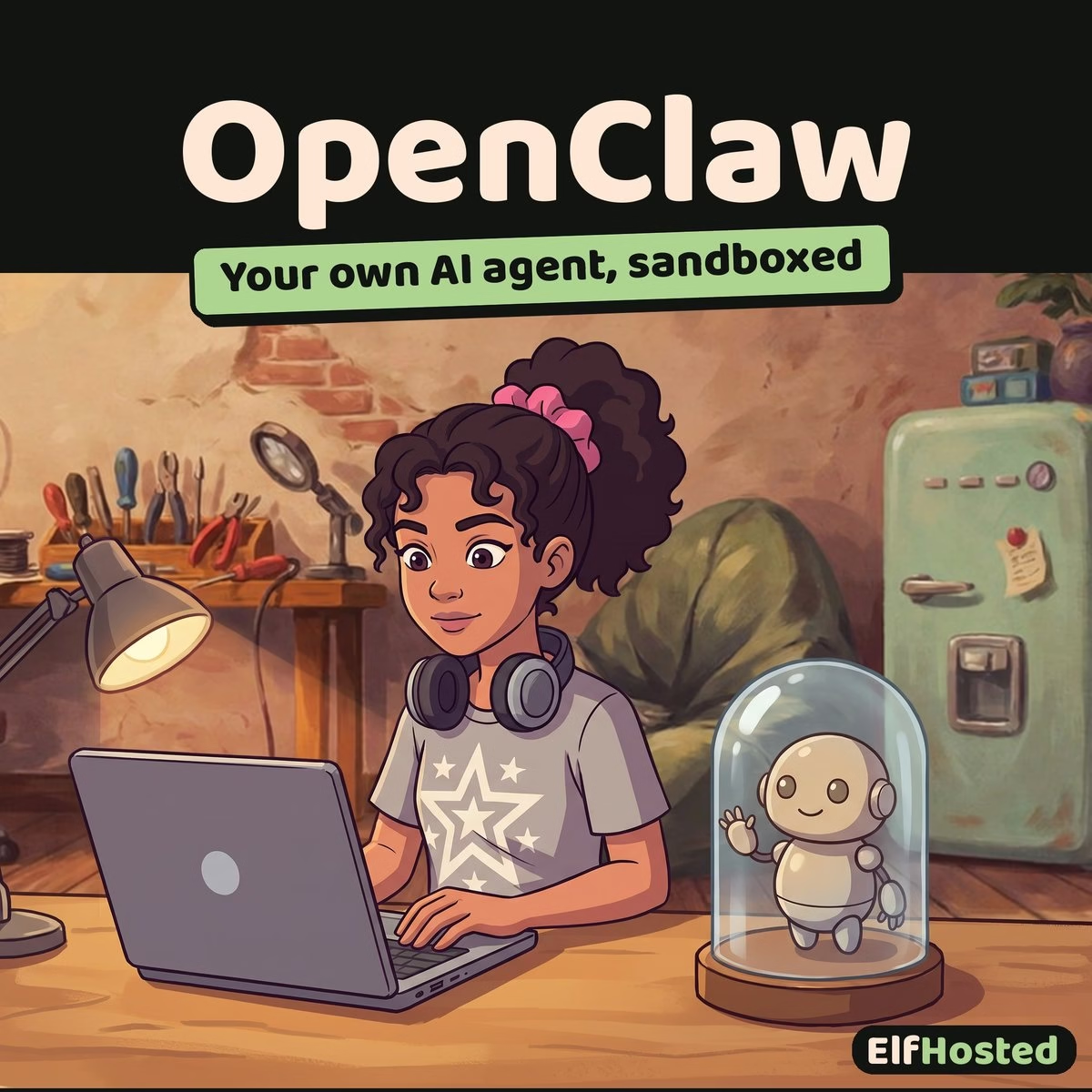
Hosted OpenClaw, sandboxed by default — Gateway running on isolated infra, tools deny-listed in non-`main` sessions, channel pairing required before strangers can speak to your agent. The hard part of OpenClaw is the security; ElfHosted handles that.
A managed instance of OpenClaw — the 365K-star personal AI assistant from openclaw/openclaw — running on ElfHosted with the security defaults the project recommends turned on out of the box. Docker-sandboxed sessions for non-`main` channels; pairing-code gating on inbound DMs; deny-list defaults on tool surfaces; isolated infra so a compromised agent can’t reach your laptop. Plus 24/7 uptime and HTTPS for the channels that need it. MIT-licensed, and the AI is included: the agent works on its first run, with your own provider welcome any time.
OpenClaw is powerful. The Gateway has shell access; channel webhooks deliver untrusted input; tools can browse the web and run code. Locking that down on your own laptop is a project. Locking it down on a managed instance is a checkbox.
🔋 AI, batteries included
OpenClaw arrives with an AI model already set up, so the agent works on its very first run. It runs on an ElfHosted model with an allowance included in your plan that covers everyday use, so there is no API key to find. Need more power, a bigger model or heavier use? Bring your own OpenAI, Anthropic, Gemini or other compatible provider in the app's settings and use it instead, billed by that provider directly.
What is Hosted OpenClaw?
OpenClaw (github.com/openclaw/openclaw) is a 365K-star personal AI assistant. The Gateway is the control plane: a single Node.js daemon that handles channel inbound from WhatsApp / Telegram / Slack / Discord / Signal / iMessage / Microsoft Teams / Matrix / Google Chat / IRC / Mattermost / 13 more, routes messages to the agent, runs tools (browser, shell, sessions, cron), and replies. Voice Wake, Live Canvas, ClawHub skills — all flow through the Gateway. MIT-licensed.
Hosted OpenClaw is that Gateway running on ElfHosted: 24/7 uptime on a public HTTPS subdomain, with the recommended security posture configured by default. Docker sandboxing on non-`main` sessions; explicit pairing required before unknown senders can interact with the agent; tool deny-lists in sandboxed contexts; isolated infrastructure so the assistant doesn't share a host with the rest of your stuff. The connectivity is there — the channels and nodes still reach the agent — but everything goes through the secured front door rather than directly into the Gateway's tool surface.
Why OpenClaw Is Hard to Secure on Your Own
OpenClaw's own security guide doesn't pretend this is easy. The default-on configuration involves several real choices:
- 🛡️ The Gateway has full host access in your `main` session. That's intentional — when it's just you, you want the agent to run shell commands, edit files, send DMs as you. But the same surface is what a compromised agent or a misrouted channel session would inherit.
- 🚪 Channel webhooks are untrusted input. Every Discord DM / Telegram message / Slack mention is text from someone who isn't you, processed by the agent, with the potential to influence tool calls. Prompt-injection isn't theoretical here.
- 📦 Sandboxing has to be configured. The default `agents.defaults.sandbox.mode: "non-main"` is the right setting — but only if you remember to set it. The default-default ships permissive.
- 🔐 The macOS / iOS / Android nodes ask for high-trust permissions. Microphone, accessibility, screen recording — granted to the OpenClaw app, used by its tooling. Compromise of the host machine is a different threat surface than compromise of a server.
- 🧨 Tools include browser + shell + Discord/Slack actions. The agent can navigate any URL, run any shell command in scope, and send messages as you. A misdirected agent can do real damage.
- 🌐 Public WebSocket exposure is a footgun. Pairing nodes from anywhere in the world is convenient and a risk. Defaults need to be lock-down-first.
None of these are fatal — OpenClaw's docs cover every mitigation — but on your own laptop, the operational posture is "remember to do all of these, every time, indefinitely". On a managed instance, they're configured once, by default, and stay that way.
What ElfHosted Locks Down By Default
- 📦 Docker-sandboxed non-`main` sessions. Group / public-channel / shared-Slack sessions run inside Docker sandboxes per OpenClaw's recommended config. The agent gets bash / process / read / write / edit / sessions tools; browser / canvas / nodes / cron / Discord / Slack / Gateway tools are deny-listed by default. Your `main` session keeps full host access (you're the trusted one); everyone else is bounded.
- 🔑 Pairing-code gating on inbound DMs. Default `dmPolicy="pairing"` on Telegram / WhatsApp / Signal / iMessage / Teams / Discord / Google Chat / Slack — unknown senders get a pairing code and are not processed until you approve them. You don't get spammed by random Telegram users discovering your bot username.
- 🌐 Public WebSocket exposure is opt-in, not default. Mobile-node pairing requires explicit configuration; the Gateway WebSocket isn't open to the world by default. We'll help you turn it on for the channels you need; everything else stays closed.
- 🏠 Isolated infrastructure. Your hosted Gateway runs in its own container on ElfHosted's tenant infra. A compromised agent doesn't get a foothold on your laptop, your home network, or your other ElfHosted apps.
- 🔐 ElfHosted SSO in front of the admin surface. Defence in depth. The Gateway's own auth still applies; SSO is a layer on top.
- 📋 `openclaw doctor` runs cleanly. The upstream tool surfaces risky DM policies, missing sandbox config, and other footguns. ElfHosted's default config is set so it stays clean — you'll know if something drifts.
OpenClaw vs Hermes
Hermes Agent is the natural comparison for OpenClaw: both are personal AI agents that can live in chat, use tools, keep useful memory, and run scheduled work without being trapped on your laptop. The difference is emphasis, not winner-takes-all nonsense.
- Choose OpenClaw if you want the OpenClaw Gateway model, broad channel and node support, ClawHub skills, Live Canvas, and a security posture built around sandboxed channel sessions.
- Choose Hermes if you want the Nous Research agent stack, a CLI-first workflow, self-improving skills, strong provider flexibility, and an easy way to experiment with the Hermes ecosystem.
- Try both if you are still figuring out which agent style fits your daily workflow. They solve a similar problem from different angles, and ElfHosted keeps the hosting chores out of the experiment.
OpenClaw is the hardened, channel-rich Gateway option. Hermes is the Nous Research, CLI-and-skills-focused option. Either way, the useful part is the same: your agent stays online, reachable, and managed without turning your own machine into the blast radius.
What Hosted OpenClaw Still Does Well
Locked-down doesn't mean unreachable. The agent still answers on the channels you configure — just deliberately, not automatically:
- 💬 One assistant across approved channels. Add Telegram, Slack, or Discord by configuring the channel and approving the senders you want; the agent shows up there with consistent memory and skills.
- 🤖 Slack / Discord bots for your team with sandboxed-by-default sessions per channel.
- 📞 Voice triggers from the macOS app (and Android Talk Mode) — talk to the hosted Gateway, get replies via TTS or back to your channel of choice.
- 🎨 Live Canvas + A2UI for richer agent outputs.
- 📺 ClawHub skills for media-stack control — wire skills to Sonarr / Radarr / Prowlarr / Audiobookshelf via their REST APIs (those products' [Exposed!] variants give you the API tokens). The agent can queue/manage media on your behalf.
- 📅 Cron jobs & scheduled flows that actually fire — the Gateway's always-on, the schedule runs whether you're at the desk or not.
- 🛠️ Multi-agent routing. Run separate agents for personal DMs vs the team Slack vs an experimental skills sandbox, each with their own workspace.
Technical Specifications
- 🛠️ Software: OpenClaw (FOSS, MIT)
- 📦 Sandboxing backend: Docker (default); SSH and OpenShell backends configurable
- 🔐 DM policy default: `pairing` on every supported channel — unknown senders gated
- 🚫 Sandbox tool deny-list: browser, canvas, nodes, cron, Discord, Slack, Gateway (in non-`main` sessions)
- 📡 Channels supported (must be explicitly configured): WhatsApp, Telegram, Slack, Discord, Google Chat, Signal, iMessage (BlueBubbles bridge), Microsoft Teams, Matrix, IRC, Feishu, LINE, Mattermost, Nextcloud Talk, Nostr, Synology Chat, Tlon, Twitch, Zalo, WeChat, QQ, WebChat — plus macOS / iOS / Android nodes
- 🤖 Model: OpenAI (ChatGPT / Codex) via OAuth subscription (you bring); per-provider failover via OpenClaw's model config
- 🎙️ Voice: Voice Wake (macOS/iOS), Talk Mode (Android), ElevenLabs TTS + system fallback
- 🧩 Skills: bundled, managed, and workspace skills via ClawHub
- 🔧 Runtime: Node 22.14+ / Node 24 — handled by ElfHosted
- 🌐 Access: HTTPS on your own ElfHosted subdomain; ElfHosted SSO in front of admin surface; public WebSocket opt-in (not default)
- 🔑 Subscription: $9/month — OpenAI / model subscription bought separately direct from provider
- 🔄 Updates: handled by ElfHosted, tracking upstream OpenClaw point releases
Frequently Asked Questions
Do I need my own API key?
No. Hosted OpenClaw arrives with an ElfHosted model already configured as a provider, so the agent works on its first run. It runs on an allowance included with your plan. Prefer your own model? Add a provider in the usual way and set it as your default: an existing provider or model is never overwritten, and the included one stays in your list alongside it.
How do I run OpenClaw without self-hosting it?
Add Hosted OpenClaw to your ElfHosted subscription — this product is a managed Gateway with the security posture pre-configured (Docker sandboxing, DM pairing gates, deny-list defaults), HTTPS, persistent storage, automatic updates, and ElfHosted SSO. No `openclaw onboard --install-daemon`, no remember-to-configure-sandboxing-every-restart.
Is it safer than running OpenClaw on my own machine?
Generally yes, for two reasons. (1) The agent runs on isolated infra — even if a prompt-injection attack from a Discord DM convinces the agent to do something unexpected, it can't reach your laptop, your home LAN, or your other ElfHosted apps. (2) The sandbox / pairing / deny-list defaults are configured once and stay configured; on your own machine, configuration drift is a real risk over time.
What does ElfHosted lock down by default?
Non-`main` sessions in Docker sandboxes; tool deny-list for browser / canvas / nodes / cron / Discord / Slack / Gateway in those sandboxed sessions; DM pairing gates on every supported channel; ElfHosted SSO in front of the admin surface; public WebSocket exposure is opt-in (not default — you ask, we configure). Your `main` session retains full host access since you're the trusted user.
Why does the Gateway WebSocket need explicit configuration to be public?
That's the lock-down posture. Mobile-node pairing across the public internet is genuinely useful and genuinely a risk; we don't open it by default. Tell us which devices need to pair from outside your network and we'll configure the WebSocket bridge for those specific paths. Everything else stays closed.
Can my agent still control Sonarr / Radarr / Audiobookshelf on ElfHosted?
Yes — that's a popular use. ClawHub skills can call any REST API; if your [Exposed!] variants are deployed, point a skill at the API and the agent can queue / manage on your behalf. This works the same as on a self-hosted Gateway.
Do I still need OpenAI's ChatGPT subscription?
No. OpenClaw arrives with an ElfHosted model included, which covers everyday use. If you want a bigger model or heavier use, connect your own ChatGPT Plus, Codex Pro or other provider; that is paid direct to the provider, and the included model stays in your list alongside it.
Does the macOS / iOS app still work with a hosted Gateway?
Yes. Configure the app to point at your ElfHosted subdomain instead of `localhost`. Voice wake, Canvas overlay, push-to-talk all work. Pairing requires the WebSocket bridge configured on your end (we handle that during onboarding).
How is this different from running OpenClaw on a Pi or VPS?
Same software. Different operational posture: on a Pi/VPS you handle the sandbox config, the cert renewal, the DM-policy auditing, the Node upgrades. On ElfHosted, those are baked in. The difference matters most over time — security-relevant configuration drift is the failure mode that catches most self-hosters six months in.
Can I run multiple agents (personal vs team)?
Yes — OpenClaw's multi-agent routing isolates different channels/peers to separate workspaces. Common setup: personal DMs in one agent, team Slack in another (sandboxed by default), experimental skills in a third.
Where do I get help?
The official OpenClaw Discord for upstream questions; the ElfHosted Discord for hosting / security / sandbox questions specific to this managed instance.
Hosted OpenClaw is a managed Gateway with the project's recommended security posture turned on by default — Docker-sandboxed sessions, pairing-gated channels, tool deny-lists, isolated infra. Locking down a personal AI agent that has shell access and inbox webhooks is the hard part of running OpenClaw; ElfHosted handles that part. $9/month for the hosting; bring your OpenAI subscription. EXFOLIATE!
Only logged in customers who have purchased this product may leave a review.
Reviews
Clear filtersThere are no reviews yet.