
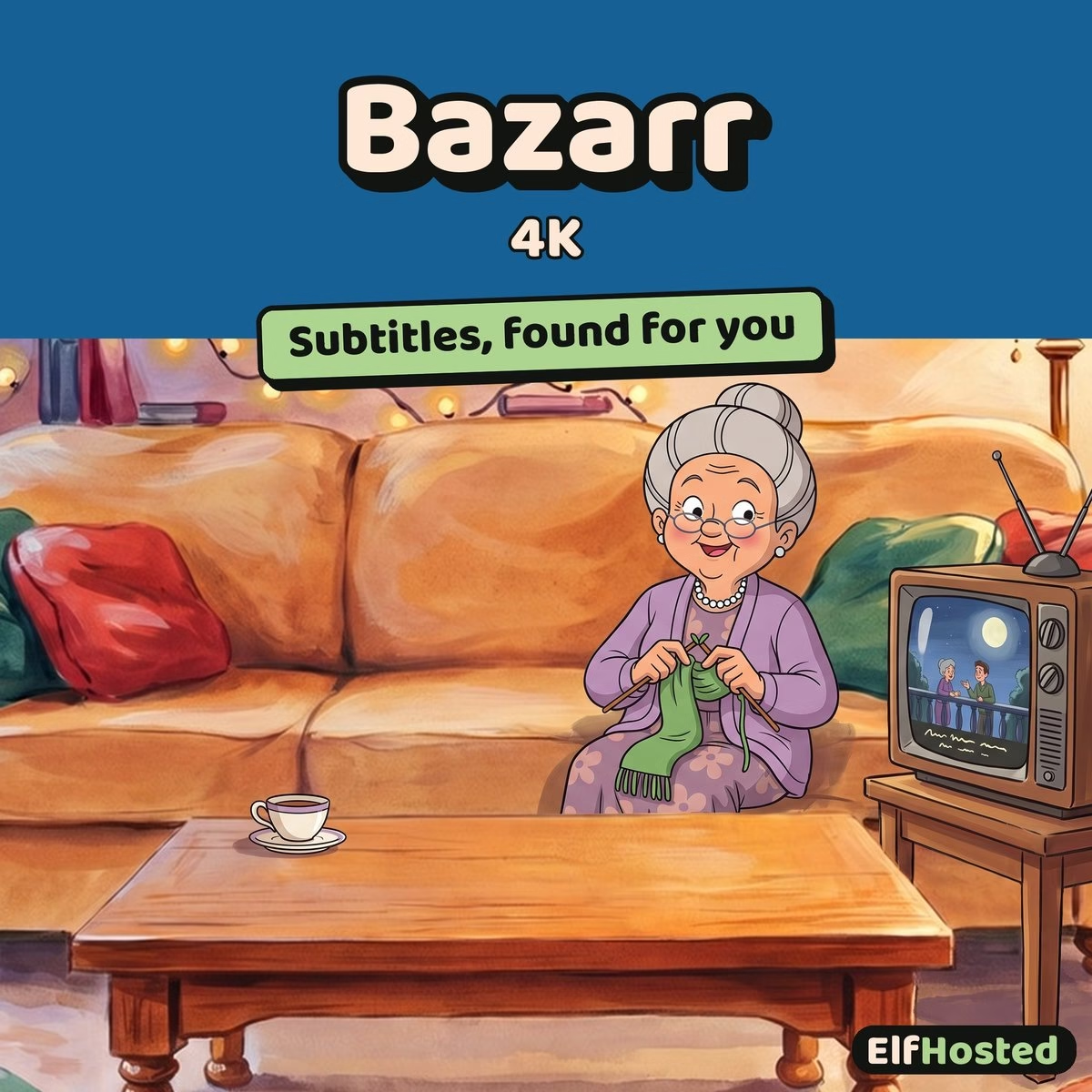


Bazarr (4K)
$9.00 / month
Free trial: 7 days
Sign-up fee: $1.00
Bazarr (4K) automatically downloads missing subtitles for your Sonarr 4K and Radarr 4K libraries — separate instance from the HD Bazarr to keep 4K subtitle profiles cleanly isolated.
What is Bazarr (4K)?
Bazarr automatically downloads missing subtitles for your media library by searching 30+ providers (OpenSubtitles, Subscene, Addic7ed, and more) and embedding the best matches alongside your video files.
This is a separate Bazarr instance dedicated to your Sonarr 4K and Radarr 4K libraries. Running a separate 4K Bazarr lets you use different language profiles, provider preferences, and subtitle scoring rules from your HD library — useful when 4K releases tend to come from different sources than HD.
Features
- 📥 Automatic subtitle downloads — fills missing subtitles for your Sonarr 4K and Radarr 4K library
- 🌍 30+ subtitle providers — OpenSubtitles, Subscene, Addic7ed, Podnapisi, Subdivx
- 🗣️ Independent language profiles — separate from the HD Bazarr instance, so 4K-specific rules don’t leak
- ✅ Subtitle scoring — picks best match by hash, release group, and uploader rating
- 📺 Sonarr 4K / Radarr 4K integration — auto-syncs and triggers searches on new downloads
Bazarr (4K) in Your Media Stack
- 🎬 Sonarr (4K) [Exposed!] — monitors your 4K TV library
- 📺 Radarr (4K) [Exposed!] — monitors your 4K movie library
- 📺 HD viewers — for non-4K libraries, use Bazarr (HD) instead
Why ElfHosted?
Why a separate 4K Bazarr at all? Two reasons. First, 4K release groups (REMUX, UHD-BluRay) often have different subtitle availability patterns than HD releases — you’ll want different provider preferences. Second, 4K libraries often serve a different audience (home-theatre setups, multi-language households) where language profile rules are stricter. Running a single Bazarr against both libraries forces compromises that hurt both. ElfHosted hosts each instance separately so you get clean isolation, plus the same datacentre-IP-protected subtitle provider access as the HD instance.
- 🔗 Next door to Sonarr 4K / Radarr 4K: connect each by its in-cluster address and API key
- 🛡️ Datacentre IP for provider requests — no home-IP rate-limit risk
- 🎯 Isolated from HD Bazarr — independent profiles, no rule conflicts
FAQ
Do I need both Bazarr (HD) and Bazarr (4K)?
If you maintain separate Sonarr/Radarr instances for HD and 4K (the recommended setup on ElfHosted), yes — one Bazarr per arr instance keeps language rules clean.
Why are 4K subtitles harder to find?
4K release timing often differs from HD — REMUX releases can lag retail releases by months, and subtitle providers may not have synced files yet. Using multiple providers helps coverage.
Only logged in customers who have purchased this product may leave a review.
![YouTarr [Standalone]: illustration](https://store.elfhosted.com/wp-content/uploads/2026/10/youtarr-card-1-300x300.avif)


Reviews
Clear filtersThere are no reviews yet.