
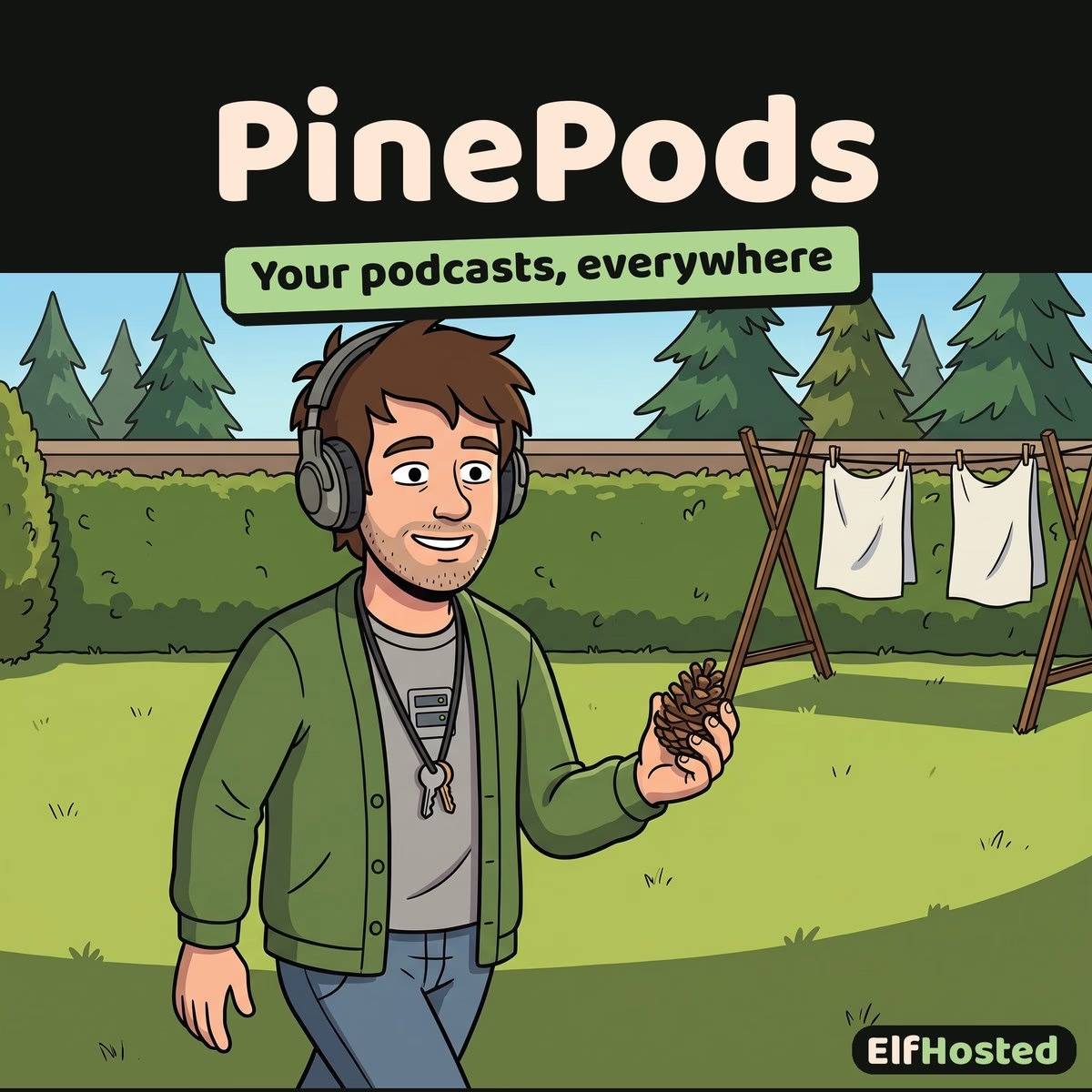


PinePods
$9.00 / month
Free trial: 7 days
Sign-up fee: $1.00
Managed PinePods hosting: your own podcast server to subscribe, download, and listen across every device.
Hosted PinePods: a self-owned podcast manager that syncs your subscriptions and progress everywhere.
Early Access
This app is a brand-new addition to ElfHosted, and is considered beta. It runs, we test it, and your trial lets you prove it fits before you commit, but our support team does not yet have deep experience with it. Expect some trial and error: lean on the upstream documentation, experiment freely, and share what you learn in Discord, where the community and team are figuring these new apps out together. If you need a battle-tested workflow today, our established apps are the safer pick.
What is PinePods?
PinePods is a podcast management server. Search and subscribe to podcasts, download or stream episodes, and keep your listening progress in sync across the web player and mobile clients. It is a private, ad-free home for your podcast habit, with playback history, queues, and gpodder-compatible sync.
Key Features
- Subscribe and search: Find and follow podcasts, with automatic episode downloads.
- Cross-device sync: Your subscriptions and playback progress follow you across the web player and mobile apps.
- gpodder-compatible: Works with gpodder-aware podcast clients for syncing on the go.
- Queues and history: Build a listening queue and keep a full history of what you have played.
- Ad-free and private: Your listening habits stay on your instance.
Works With
- Mobile podcast apps: gpodder-compatible clients sync your subscriptions and progress to your phone.
Why Run PinePods on ElfHosted?
Podcasts are a daily habit, so your server should be always-on and synced. ElfHosted keeps PinePods running and reachable from every device.
- Managed and maintained: Your instance is provisioned in minutes and kept updated. Sam, our AI helper, answers questions, and our team on Discord helps when Sam can’t.
- One dashboard: Sits alongside the rest of your ElfHosted subscription, no servers to run yourself.
- Persistent and backed up: Your data survives restarts and upgrades.
- Simple subscription: One flat monthly price with a 7-day trial, cancel anytime.
Frequently Asked Questions
How do I log in to PinePods?
PinePods is served publicly with its own full login (so mobile and gpodder clients can reach it directly). Sign in with username admin. Your password is random and unique to your instance: open /config/pinepods/ADMIN-PASSWORD.txt in FileBrowser to find it, then change it in your user settings.
Can I use it on my phone?
Yes, PinePods offers cross-device sync and works with gpodder-compatible mobile clients as well as the web player.
Does it download episodes or just stream?
Both, you can stream episodes or download them for offline listening.
Only logged in customers who have purchased this product may leave a review.
Related products


Shelfmark
Unified ebook and audiobook download hub — search web archives, torrent, Usenet, and IRC from a single interface.
A managed Shelfmark instance hosted on ElfHosted. Search and download ebooks and audiobooks from multiple sources — popular web archives, torrent, Usenet, and IRC — through one clean interface. Metadata from Hardcover and Open Library. Real-time download queue. Built-in Cloudflare bypass. Integrates directly with Calibre Web (Automated), BookLore, and Audiobookshelf as a download client.
Openbooks
Web UI for IRC ebook downloads — search IRC ebook channels without touching an IRC client.
A managed Openbooks instance hosted on ElfHosted. Search IRC ebook channels via a clean web interface — type a title, pick a result, download straight to your rclone-mounted cloud storage. No IRC client, no DCC setup, no bots to configure. The oldest ebook source on the internet, with a modern front-end.

AudioBookRequest
Audiobook request UI for households — search Audible's catalog, submit requests, Prowlarr fulfils them automatically.
A managed AudioBookRequest instance hosted on ElfHosted. Users search the Audible catalog through a clean web UI, submit audiobook requests, and Prowlarr handles the rest — finding the audiobook via your configured indexers and downloaders, dropping it into the folder Audiobookshelf watches. Per-user accounts, request approval workflow, no manual NZB/torrent hunting.

Kapowarr
The *arr for comics — automated comic-volume tracking, downloading, and renaming for Komga or Kavita libraries.
A managed Kapowarr instance hosted on ElfHosted. Add a comic volume, Kapowarr watches for new issues, finds them via direct or third-party sources (MediaFire, Mega, etc.), downloads, extracts, renames, and drops them into the folder Komga or Kavita watches. Same intuitive *arr UI as Sonarr and Radarr — comics-arr is what it sounds like.





Reviews
Clear filtersThere are no reviews yet.