

![Emby [Standalone]: illustration](https://store.elfhosted.com/wp-content/uploads/2026/10/emby-card-150x150.avif)
Tofa [Standalone]
$9.00 / month
Free trial: 7 days
Sign-up fee: $1.00
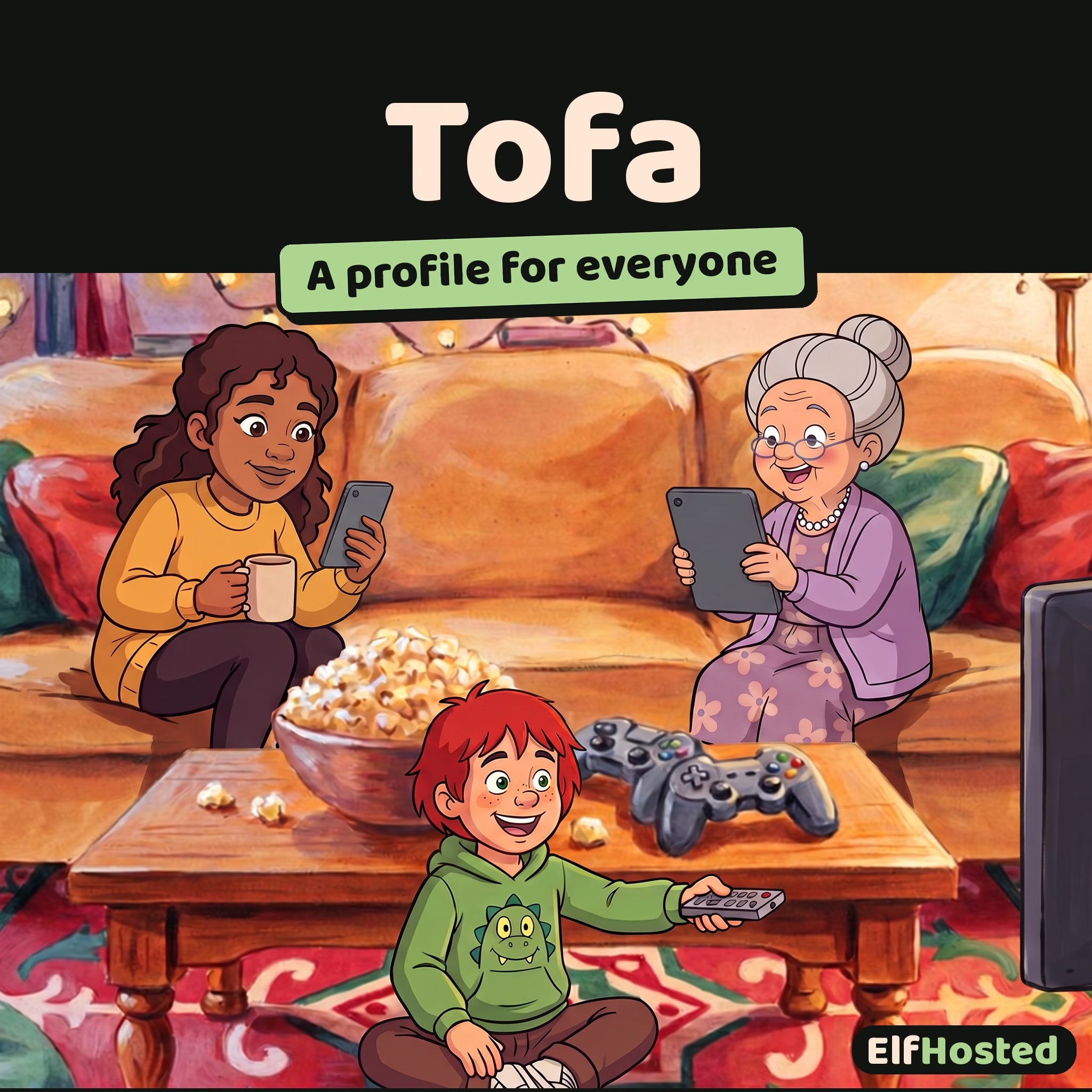
Add Tofa to the Personal Media Stack you already run on ElfHosted: its own apps on every screen, and a profile for everyone in the house.
Meet Your Second Media Server
Tofa is a media server with its own apps: the web, Apple TV, iPhone and iPad, Android TV and Google TV, Android phones, Roku, Kodi, and a desktop player for Mac, Windows and Linux. Everyone signs in with a free Tofa account, and your server is waiting for them.
This is a standalone Tofa that sits beside the Plex, Jellyfin or Emby in your ElfHosted Personal Media Stack. It reads the same library, so you can try it on the big TV tonight without moving a single file.
Tofa is in beta upstream, and on ElfHosted it's an Early Preview. We run it with its developers' permission.
Why Tofa Makes Life Easier
- Everyone gets their own profile, with their own Continue Watching and watchlist. Up to six per account.
- Kids see only what you've allowed. A rating limit applies everywhere: home rows, search, browse and playback.
- Family and friends sign in with their own Tofa accounts, and you pick which libraries each of them sees.
- Coming from Plex, Jellyfin or Emby? Tofa can bring over your watch history and watchlists.
- Your existing stack keeps running exactly as it does now. Tofa is an extra way in, not a replacement.
Product Highlights
Kids mode trims the app down to Home, Browse and Search, and a four-digit PIN keeps small hands out of your own profile.
On Apple TV, household viewing lets several people with their own Tofa accounts share one TV and each watch as themselves.
Your Tofa address works from anywhere, at full quality, with no router settings or open ports at your end.
Claiming your server happens behind your ElfHosted sign-in, so nobody else can grab it first.
Technical Specifications
- 🎬 Direct play only: Tofa sends the original file exactly as it is, and never transcodes or repackages it. Pick Original quality in the player, and watch on a device that plays your files as they are.
- 📚 Reads your stack's storage read-only, so Tofa can't change or delete anything in your library.
- 🚫 Scrub previews, intro and credits detection, and letterbox detection are switched off, because each one would read through every file in your library.
- 👤 Needs a free Tofa account, and Tofa's own terms apply to it: personal, non-commercial use with your household.
- 💳 Offline downloads and household requests are part of Tofa's optional Supporter plan, bought from Tofa. On ElfHosted, downloads come at Original quality only.
- 🔄 Updates handled by ElfHosted.
Let ElfHosted Handle the Heavy Lifting for Tofa
- No home server to keep running, and no ports to forward. Your Tofa has its own secure address.
- It's already pointed at the library your stack builds, so setup is a sign-in and a couple of folders.
- We keep it updated, backed up alongside the rest of your apps, and watched by our health checks.
Frequently Asked Questions
Do I need a Personal Media Stack?
Tofa needs a library to play, and this standalone reads the one your stack keeps. Without a stack it has nothing to show. If you're starting from scratch, start with a Personal Media Stack.
Is Tofa free?
Tofa itself is free during its beta, and you'll need a free Tofa account. This product covers hosting it on ElfHosted. Tofa's optional Supporter plan, which adds things like offline downloads and requests, comes from Tofa.
Why won't a file play in my browser?
Browsers are the fussiest players, and on ElfHosted Tofa plays files only as they are, with no converting. The Tofa desktop player and the TV apps play far more. Choose Original quality, and use text subtitles in the browser.
Can I keep using Plex, Jellyfin or Emby?
Yes. Tofa runs alongside them, reading the same files, so you can switch over at your own pace or keep both.
What does Early Preview mean?
Tofa is young, fast-moving software in beta upstream. Expect the odd rough edge, and tell us in Discord when you find one.
Tofa on ElfHosted gives every person in your house their own profile and their own apps, reading the library you already have.
Add Tofa to your ElfHosted stack today, and try it free for 7 days.
Only logged in customers who have purchased this product may leave a review.
Related products
![Plex [Standalone]: illustration](https://store.elfhosted.com/wp-content/uploads/2026/10/pms-card-300x300.avif)
Plex [Standalone]
Add Plex to the Personal Media Stack you already run on ElfHosted.
Plex Media Server, hosted alongside your existing Personal Media Stack (Starter, Hobbit, Ranger, Halfling, or Nazgul). Inherits the hardware tier and library of your parent stack — no separate setup, no second debrid account, no duplicated storage. PlexPass subscription required (BYO).
![Emby [Standalone]: illustration](https://store.elfhosted.com/wp-content/uploads/2026/10/emby-card-300x300.avif)
Emby [Standalone]
Add Emby to the Personal Media Stack you already run on ElfHosted.
Emby Server, hosted alongside your existing Personal Media Stack (Starter, Hobbit, Ranger, Halfling, or Nazgul). Inherits the hardware tier and library of your parent stack — no separate setup, no second debrid account, no duplicated storage. Emby Premiere required for remote streaming.
MediaStorm 4K
Native iOS, tvOS, Android & Android TV apps. No Plex, no Jellyfin, no fuss.
MediaStorm is a streaming server with first-party native apps for every major TV and mobile platform. ElfHosted runs the backend, bundles a Usenet account with 150Mbps included, and lets you connect your own RealDebrid or TorBox subscription on top. AI picks included with no API key to find, plus TMDB/TVDB metadata. 1x 4K or 2x HD streams.
Remux
Managed Remux hosting with AIOStreams, Debridge, TorBox Essential and Usenet Essential included. A Jellyfin-compatible media server that streams direct from your sources. Experimental Early Preview app: direct play only, no transcoding, torrent/P2P not supported.
Multiple users with their own watch histories, dynamic filtered libraries, per-user exclusions, and several Stremio addons at once.
![Jellyfin [Standalone]: illustration](https://store.elfhosted.com/wp-content/uploads/2026/10/jellyfin-standalone-card-300x300.avif)
Jellyfin [Standalone]
Add Jellyfin to the Personal Media Stack you already run on ElfHosted.
Jellyfin, hosted alongside your existing Personal Media Stack (Starter, Hobbit, Ranger, Halfling, or Nazgul). Inherits the hardware tier and library of your parent stack — no separate setup, no second debrid account, no duplicated storage. No subscription required (FOSS).
Jellyfin Accounts (JFA)
Hosted jfa-go: invite-based Jellyfin user management without running it yourself.
A managed instance of jfa-go (Jellyfin Accounts) hosted on ElfHosted. Send invite-based signups to friends and family, enforce password rules, set account expiries, and automate Jellyfin user management. Already bundled in every Jellyfin Personal Media Stack — buy this only if you self-host Jellyfin elsewhere and want jfa-go managed by ElfHosted.
Polyfin
Managed Polyfin hosting with AIOStreams, AIOMetadata, Debridge, TorBox Essential and Usenet Essential included. Your Stremio addons in every Jellyfin app, with an account for everyone. Experimental Early Preview app: direct play only, no transcoding.
Each person gets their own history and Next Up, and their own limits: a maximum rating, blocked genres, allowed hours and how many screens play at once.

Reviews
Clear filtersThere are no reviews yet.