
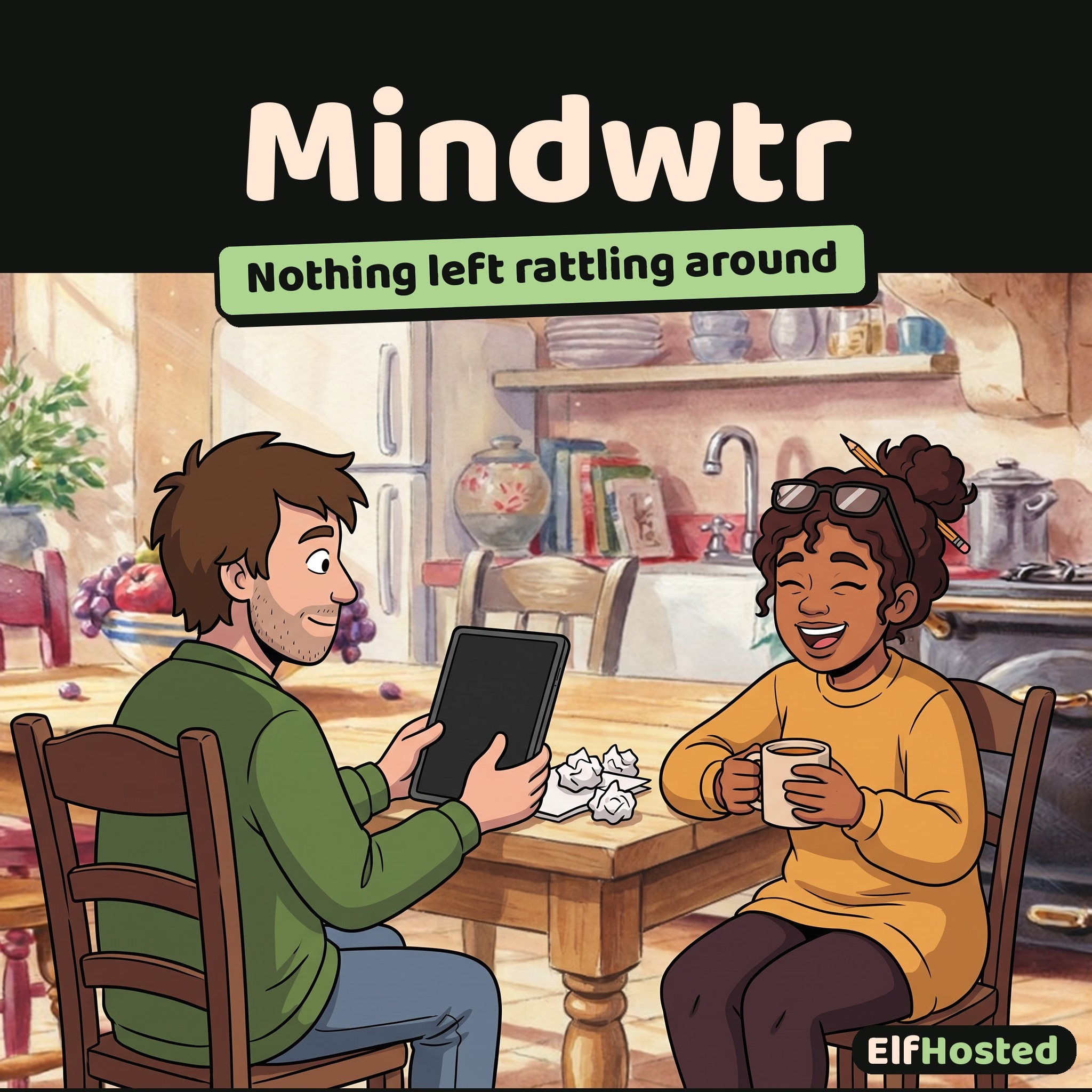


Mindwtr
From $1.29 / app / month
Managed Mindwtr hosting: Getting Things Done tasks with guided reviews, synced to your browser, desktop and phone apps.
Included in every Flex plan. The from price is Flex Pro paid yearly, running 18 apps at once. Flex starts at $9.00 a month for 4 apps.
Hosted Mindwtr: a Getting Things Done task manager that syncs your browser, desktop and phone, with an AI helper on ElfHosted’s included AI.
Early Access
Mindwtr is a brand-new addition to ElfHosted, and is considered beta. It runs, we test it, and your trial lets you check it fits before you commit. Our team is still building up experience with it, so lean on the upstream documentation, experiment freely, and share what you learn in Discord, where the community and team are working these new apps out together.
What is Mindwtr?
Mindwtr is an open-source task manager built around Getting Things Done. Catch every task and idea in one inbox, sort them into projects and next actions, and keep the whole system honest with guided daily and weekly reviews.
Key Features
- One inbox: Capture anything on your mind in a couple of keystrokes and sort it later.
- Projects, areas and next actions: With contexts and tags, so you can find the right task for where you are.
- Guided reviews: A daily and weekly review walks you through your lists, so nothing goes stale.
- Every device: Use it in your browser, or in Mindwtr’s desktop and phone apps, all synced to your ElfHosted Mindwtr.
- The household: Each person picks their own sync token and gets their own private list.
Works With
- ElfHosted’s included AI: Break a task into steps or turn a vague one into a clear next action, with no API key. Set it up once in Mindwtr’s AI settings in the browser.
- Your AI assistant, through MCP: Mindwtr’s own MCP helper connects Claude or another MCP client to your tasks with your sync token, read-only unless you allow changes.
Why Run Mindwtr on ElfHosted?
A trusted system only works if it’s there every time you reach for it. ElfHosted runs Mindwtr’s sync server for you, so every device stays on the same list without a server of your own.
- Part of the Flex collection: Run Mindwtr alongside other everyday apps on a Flex plan.
- Managed and maintained: Your instance is ready in minutes and we keep it updated. Sam, our AI helper, answers questions, and our team on Discord helps when Sam can’t.
- Backed up every day: Your synced tasks are backed up daily. Restore to an earlier date from your ElfBot dashboard, or ask Sam to do it.
- Simple subscription: One flat monthly price with a 7-day trial, cancel anytime.
Frequently Asked Questions
How do I get started?
Open Mindwtr from your ElfHosted dashboard. It sits behind your ElfHosted sign-in, so it’s ready straight away.
How do I sync my phone and computer?
Choose your own sync token and ask Sam to turn on sync: you type the token on the approval page, so nobody else sees it. Then enter your Mindwtr address and the same token in Mindwtr’s sync settings on each device.
Can my family use it?
Yes. Each person adds their own sync token and gets their own private task list. Devices that share a token share a list.
Can I support the people who make Mindwtr?
Please do. Star the project on GitHub, report bugs upstream, or sponsor its developer.
Ready to empty your head? Start your 7-day ElfHosted trial and have your next actions waiting for you.
Only logged in customers who have purchased this product may leave a review.
Related products

FreshRSS
Self-hosted RSS aggregator with the polish of Feedly and the freedom of owning your own feed list — blogs, YouTube, Reddit, podcasts, all in one chronological reader.
A managed instance of FreshRSS on ElfHosted — the most polished open-source RSS reader. OPML import from any service, Google Reader API support for native mobile apps (Reeder, FluentReader, FeedMe, NetNewsWire), an active extension ecosystem for full-article fetching and YouTube rendering, and translations in 40+ languages. AGPL-3.0, your reading list survives every "pivot" of every social feed.
Beaver Habit Tracker
Self-hosted habit tracking, minus the "Goals" gamification — just check the box, build the streak, own your data.
A managed instance of Beaver Habit Tracker on ElfHosted — a deliberately minimal habit tracker with no goal-setting wizardry, no upsell screens, and no analytics shipped to anyone but you. Tick habits off daily, watch streaks build, install as a PWA on iOS/Android. AGPL-3.0, your data stays in your storage.


LinkDing
Fast, minimal self-hosted bookmark manager — tags, full-text search, browser extensions. The Pinboard alternative that's still being built.
A managed instance of LinkDing on ElfHosted — the bookmark manager that finally feels right after Delicious died, Pinboard stagnated, and Raindrop.io became a freemium upsell. Tag links, search across the entire library, and connect via Firefox/Chrome browser extensions. MIT-licensed.


Reviews
Clear filtersThere are no reviews yet.